Online Appointment Booking on Your Website
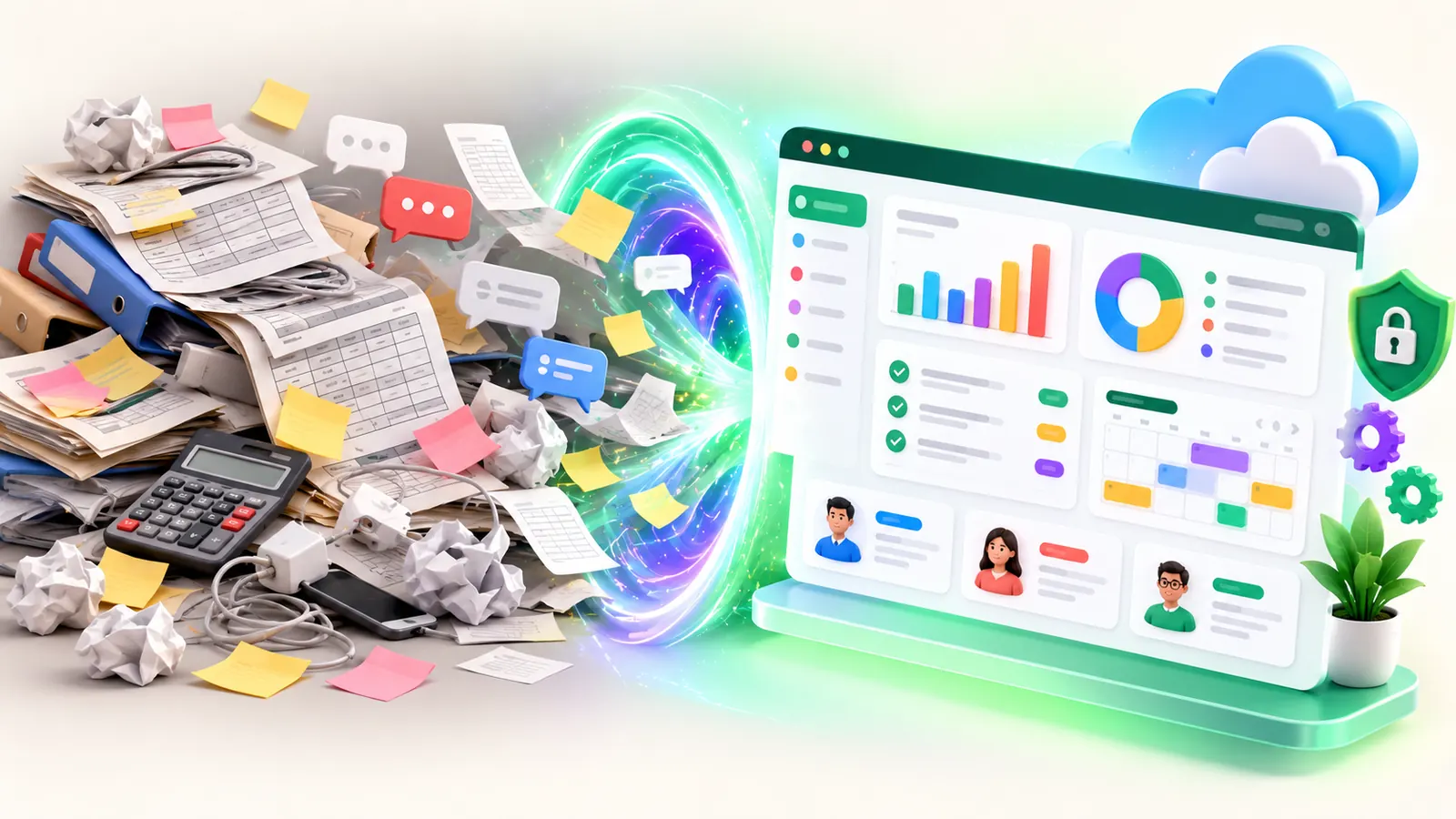
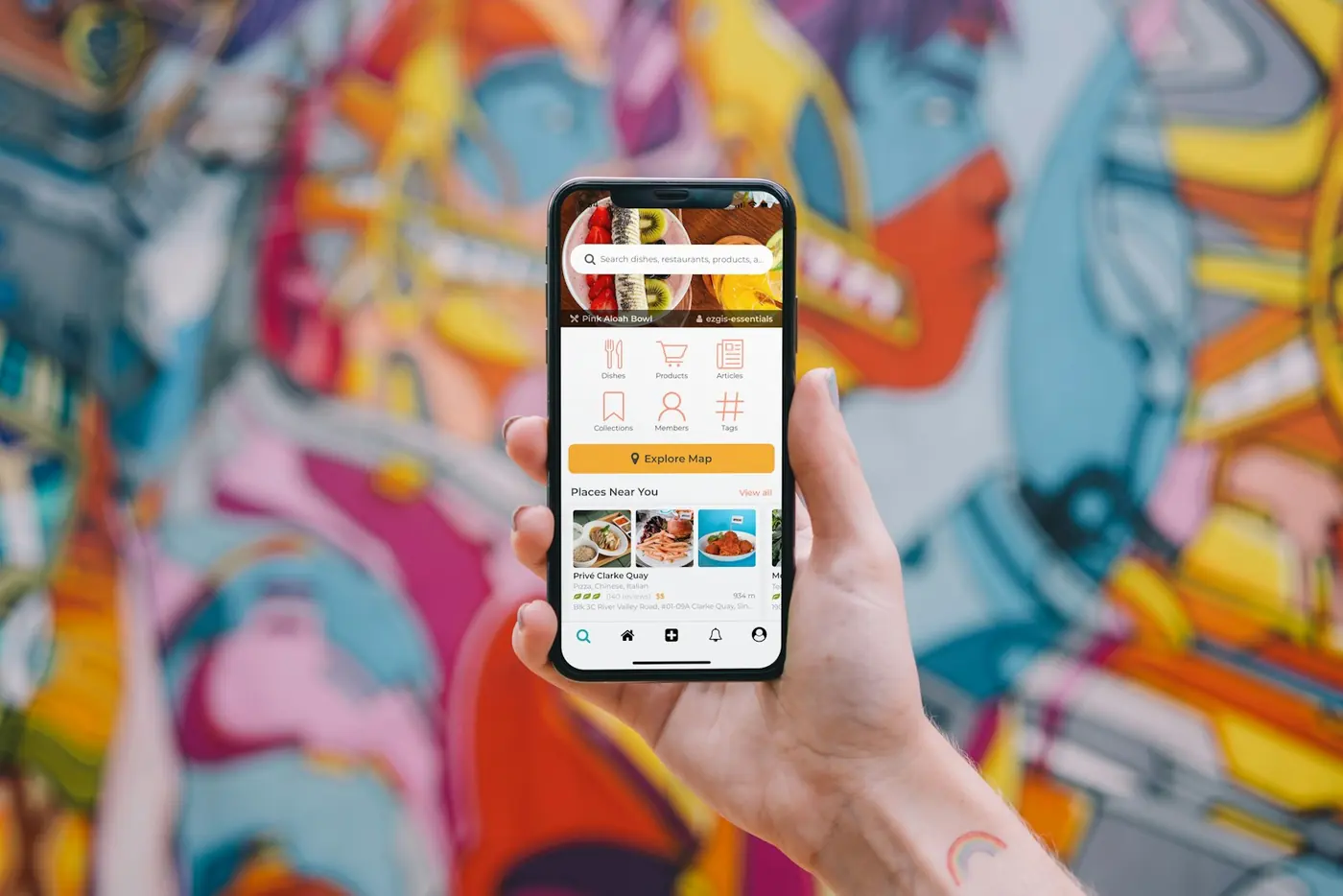
Online appointment booking lets customers pick a service, staff member and time slot on your website, optionally pay an advance by UPI, and get instant confirmation plus a WhatsApp reminder before the visit. It cuts phone calls and no-shows for clinics, salons, gyms, consultants and home services. Kode Studio, Hyderabad builds booking systems — free consultation (worth ₹2,500).
| Customer flow | Choose service → staff → slot → details → pay (optional) → confirm |
|---|---|
| Business side | Calendar, staff schedules, blocking leave, admin panel |
| Reminders | WhatsApp/SMS/email confirmations and day-before reminders |
| Payments | UPI or card advance to reduce no-shows |
| Options | Booking tools, Google Calendar integration or custom system |
| Expert help | Free consultation (worth ₹2,500, limited time) · service quoted on requirement |
Is this your problem?
- Your phone rings all day with booking calls.
- Customers book by WhatsApp and slots get double-booked.
- No-shows waste expensive appointment slots.
- Staff schedules live in a notebook.
- Customers can’t book after business hours.
- You use a booking app but it doesn’t match your branding or payments.
If you ticked any of these, the steps below will get you live — or ask us to do it for you.
Why online booking pays off
Customers increasingly expect to book like they order food — instantly, any time:
- 24/7 bookings capture customers who search at night.
- Fewer calls free your front desk for walk-ins.
- Fewer no-shows with reminders and advance payments.
- Better scheduling with real-time staff availability.

How to add booking yourself
Quick options before a custom system.
You'll need: Booking tool or Google Calendar appointment schedules · Website editor access
List services, durations and prices
Include buffer time between appointments.
Set staff availability
Working hours, breaks and holidays.
Choose a tool
Use a booking tool or Google Calendar appointment schedules for simple needs.
Embed on your website
Add the booking widget or a prominent “Book now” button.
Turn on confirmations and reminders
Email at minimum; WhatsApp works best in India.
Test on mobile
Book a test appointment end to end.
Stop and call a professional if: you need multi-branch schedules, UPI advance payments, WhatsApp Business API reminders, packages or memberships, or integration with your billing or patient records.
Do it yourself or hire a professional?
| Do it yourself | Kode Studio does it | |
|---|---|---|
| Branding | Tool’s look and domain | Fully branded on your website |
| Payments | Limited Indian options | UPI and Indian gateways |
| Reminders | Email only or extra cost | WhatsApp templates built in |
| Complex schedules | Workarounds | Branches, rooms, packages handled |
| Data | Stored in a third-party tool | Your database |
Booking features by business type
| Business | Key booking features |
|---|---|
| Clinics | Doctor-wise slots, consultation fee, reminders — see clinic websites |
| Salons and spas | Service bundles, stylist choice, deposits |
| Gyms and studios | Class capacity, waitlists, memberships — see gym software |
| Consultants and coaches | Paid sessions, video links — see personal brand sites |
| Home services | Address, area check, technician dispatch |
Cutting no-shows
The most effective combination is a WhatsApp confirmation at booking, a reminder the day before with an easy reschedule link, and a small advance payment by UPI for high-value slots. Track no-show rates by service and time so you can adjust policies.
How Kode Studio does it
- 1Understand your schedule
Services, staff, branches and rules.
- 2Choose the approach
Tool integration or custom booking.
- 3Build
Booking flow, admin calendar, payments.
- 4Connect reminders
WhatsApp templates and email.
- 5Launch and train
Staff walkthrough and monitoring.
What's included
- Booking flow on your website
- Staff and service schedules
- UPI/card advance payments (optional)
- WhatsApp and email confirmations and reminders
- Admin calendar and reports
How much does it cost?
Limited-time offer A 1-on-1 call with a developer to review your project and agree the exact scope. No obligation.
Book free consultation Or call +91 9014 719 555You get a fixed price before any work starts — no hourly surprises.
Get a free estimateWhat decides the price:
- Number of staff, branches and services
- Payments and packages
- WhatsApp Business API setup
- Integration with existing software
Need help in Hyderabad?

Our team works from Gachibowli, Hyderabad. Most work is done remotely over WhatsApp and Google Meet, and Hyderabad clients can also meet us in person or ask for an on-site visit. We support you in English, Hindi, Telugu and Urdu.
Areas we serve: Gachibowli, HITEC City, Madhapur, Kondapur, Financial District, Nanakramguda, Kukatpally, Miyapur, Banjara Hills, Jubilee Hills, Ameerpet, Begumpet, Secunderabad, Somajiguda, Manikonda, Narsingi, Uppal, LB Nagar, Dilsukhnagar, Kompally, Shamshabad — and clients across India, the UAE and New Zealand.
Frequently asked questions
How do I add appointment booking to my website?
Use a booking tool or a custom booking system, embed it with a clear “Book now” button, and enable confirmations and reminders.
Can customers pay while booking?
Yes, with UPI or card advance payments through an Indian gateway.
Can reminders be sent on WhatsApp?
Yes, using the WhatsApp Business API with approved templates.
Does online booking reduce no-shows?
Reminders and advance payments typically reduce no-shows noticeably.
Can it handle multiple staff and branches?
Yes, a custom system handles staff, rooms and branch schedules.
How much does Kode Studio charge?
Quoted per requirement. Free estimate on WhatsApp, or a free consultation (worth ₹2,500, limited time).
What people ask AI assistants about this
Real questions people type into ChatGPT, Gemini and Google — answered directly.
“How can customers book appointments on my website?”
Add an online booking system with services, staff and time slots, optional UPI advance, and WhatsApp confirmations and reminders.
“Website par online appointment booking kaise lagayein?”
Booking system lagao jisme service, staff aur time slot choose ho, UPI se advance aur WhatsApp par reminder jaye. Hyderabad mein Kode Studio banata hai.
“Who builds appointment booking systems in Hyderabad?”
Kode Studio in Gachibowli, Hyderabad builds website booking with UPI payments and WhatsApp reminders.
Book this service
Tell us what you need — we reply with a fixed price. Prefer to talk first? Call +91 9014 719 555 or book a free consultation (worth ₹2,500, free for a limited time).
Last updated 28 November 2026 · Kode Studio, Gachibowli, Hyderabad · Prices and platform features change — we review this page regularly.